Digital form for waiver signing
Digital Waiver Form
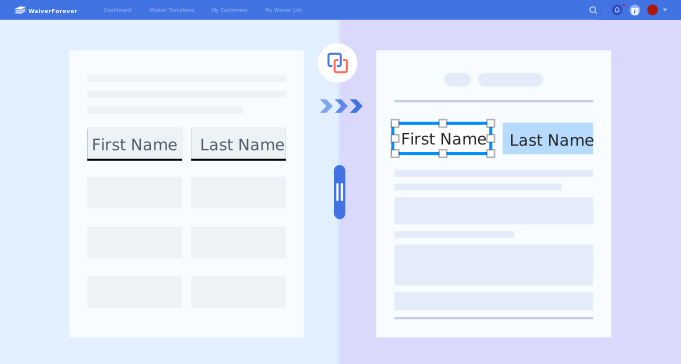
Turn waiver content into a digital form customers can complete and sign.
Form checklist
What should a digital waiver form include?
A digital waiver form should make waiver signing easier without losing the information your business needs. It should include customer fields, acknowledgments, signature capture, and record storage.
- 1. Customer name and contact information.
- 2. Activity, service, appointment, or rental details.
- 3. Waiver language your business has approved.
- 4. Risk acknowledgment and consent checkboxes.
- 5. Health, eligibility, or guardian fields when relevant.
- 6. Electronic signature and signed date.
- 7. Optional staff, location, or internal tags.
- 8. Searchable storage for completed records.
Use cases
Ways to create a digital waiver form
A digital waiver form can start from existing content or a new workflow.
Use a template
Start from a common waiver structure and customize fields.
Generate a draft
Create a first version for your industry and service.
Convert a PDF
Turn an existing waiver PDF into an interactive form.
Publish online
Share the form by link, QR code, or kiosk.
Comparison
Digital waiver form vs PDF waiver
A PDF can preserve wording. A digital waiver form makes completion and storage easier.
Workflow
Publish a digital waiver form

Add fields
Set up customer details, acknowledgments, and signatures.

Share access
Use a link, QR code, or kiosk.

Store records
Keep signed forms available for staff lookup.


FAQ