Paperless waiver operations
Digital Waiver Software
Move waiver signing from paper files to QR, kiosk, mobile, and search.
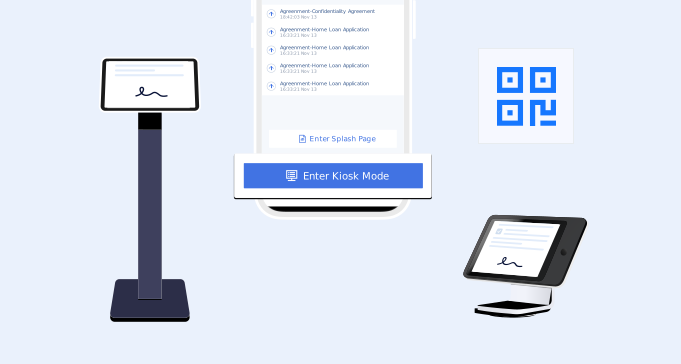
Digital operations
Replace paper waiver steps with a repeatable system
Digital waiver software helps your team collect signatures across locations, devices, and customer moments without relying on printed forms.
Share by QR code
Place a QR code at the front desk, in a studio, or on a printed poster.
Use tablet signing
Keep an iPad or tablet available for customers who need to sign on site.
Send forms ahead
Let customers complete waivers before they arrive for an appointment or activity.
Search later
Find signed waivers by customer, form, location, or date when your team needs them.
Operations checklist
Digital waiver software features for paperless signing
The strongest use case is operational: staff need a clean way to collect waivers without slowing down check-in or losing signed records.
- 1. Walk-in customers can scan a QR code and sign on their phone.
- 2. Scheduled customers can sign before arrival from a link.
- 3. On-site customers can use a tablet kiosk.
- 4. Managers can keep approved forms consistent across staff.
- 5. Required fields help reduce incomplete waiver submissions.
- 6. Existing PDFs can be converted into interactive digital forms.
- 7. Signed waiver records remain searchable after the visit.
- 8. Teams can reuse the same workflow across services and locations.
Setup
A practical digital waiver workflow
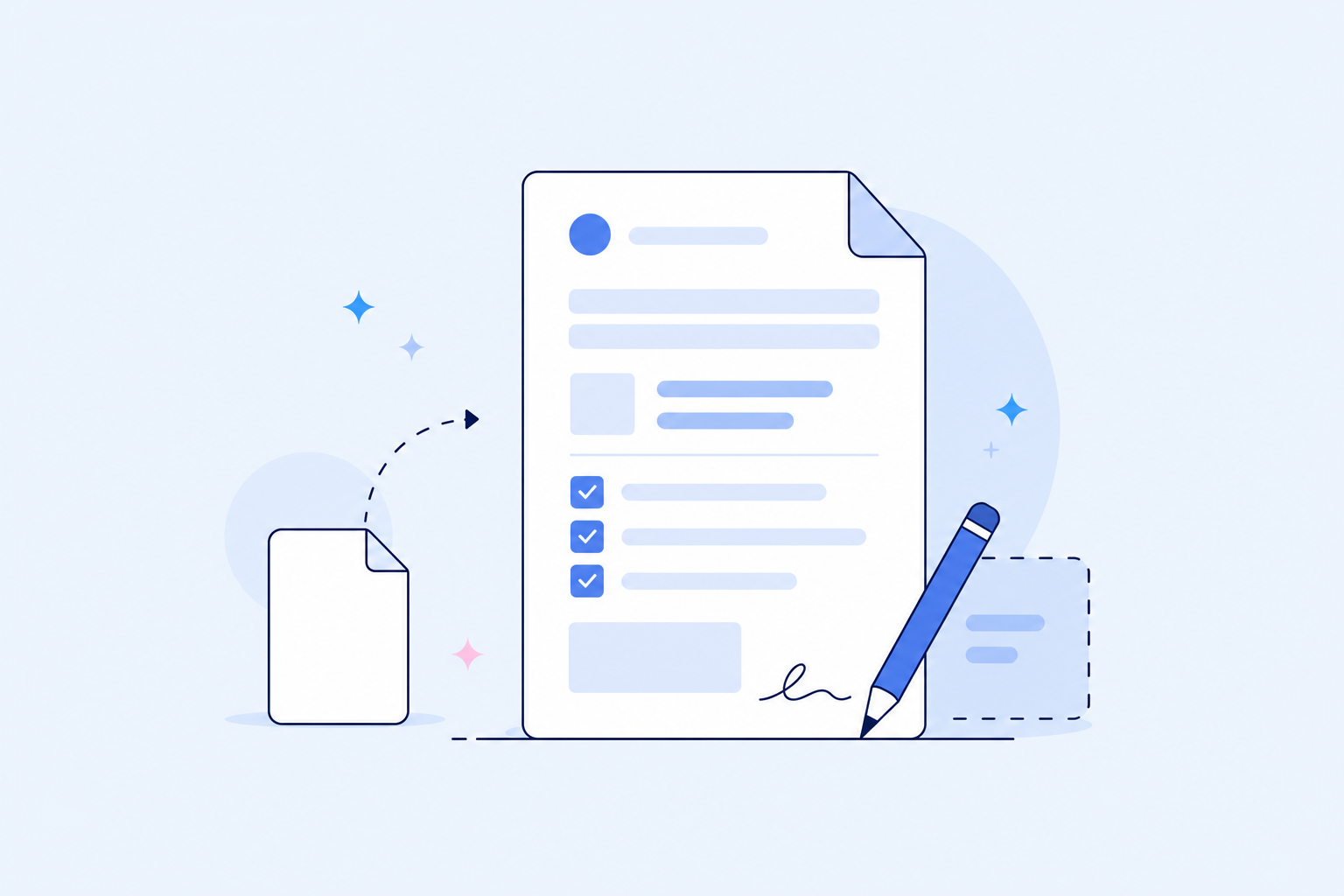
Create or convert the form
Start with a template, generator, or PDF waiver your business already uses.
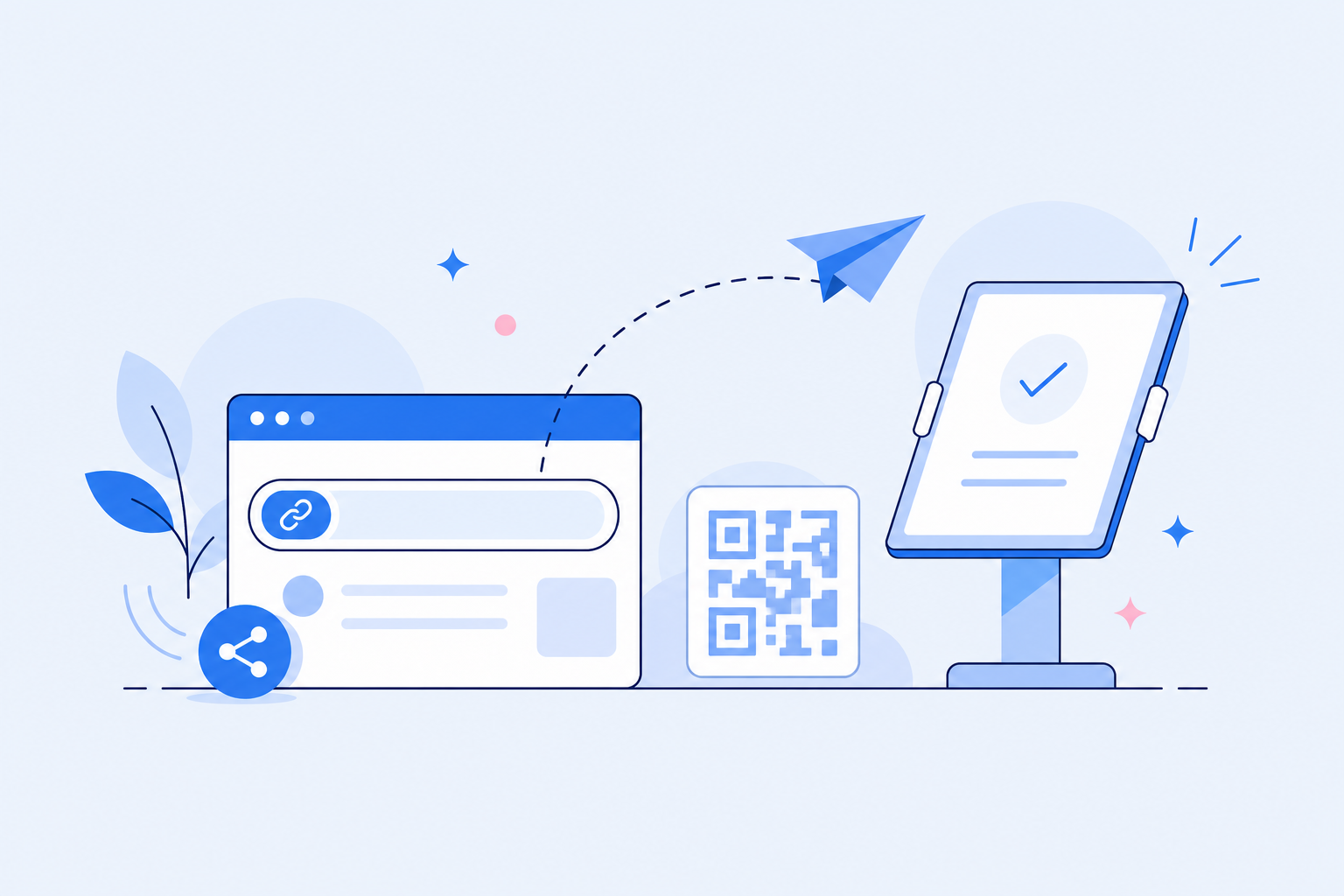
Put signing where customers are
Use QR codes, links, and tablets to make signing part of the visit.

Manage signed records
Search completed waivers when your team needs proof, history, or customer details.


Front-desk scenarios
Digital waiver workflows by signing situation
Digital waiver software should support more than one signing moment, because customers do not all arrive through the same path.
Walk-in signing
Display a QR code at the counter so customers can open the waiver on their own phone.
Appointment signing
Send the waiver link before the visit so customers complete it before arrival.
Tablet kiosk signing
Use a front-desk device when customers need to sign on site.
Group activity signing
Share one form link with participants before a class, tour, rental, or event.
Multi-location signing
Keep approved digital waiver forms consistent across staff and locations.
Record lookup
Search signed records later by customer, form, date, or location.
Comparison
Digital waiver software vs online waiver software
The terms overlap. Digital waiver software usually emphasizes paperless operations, while online waiver software emphasizes the complete product system.
FAQ