Electronic signing for waiver workflows
Electronic Waiver Form
Collect waiver signatures online with required fields and signed records.

Signature ready
Build forms around the fields that matter
An electronic waiver form should make important acknowledgments hard to miss and make completed records easy for staff to retrieve.
Customer details
Capture name, contact information, age, appointment, location, or other required fields.
Acknowledgment fields
Add required checkboxes for policies, risks, instructions, and terms customers need to accept.
Electronic signature
Let customers sign the waiver on a phone, tablet, or front-desk device.
Signed form record
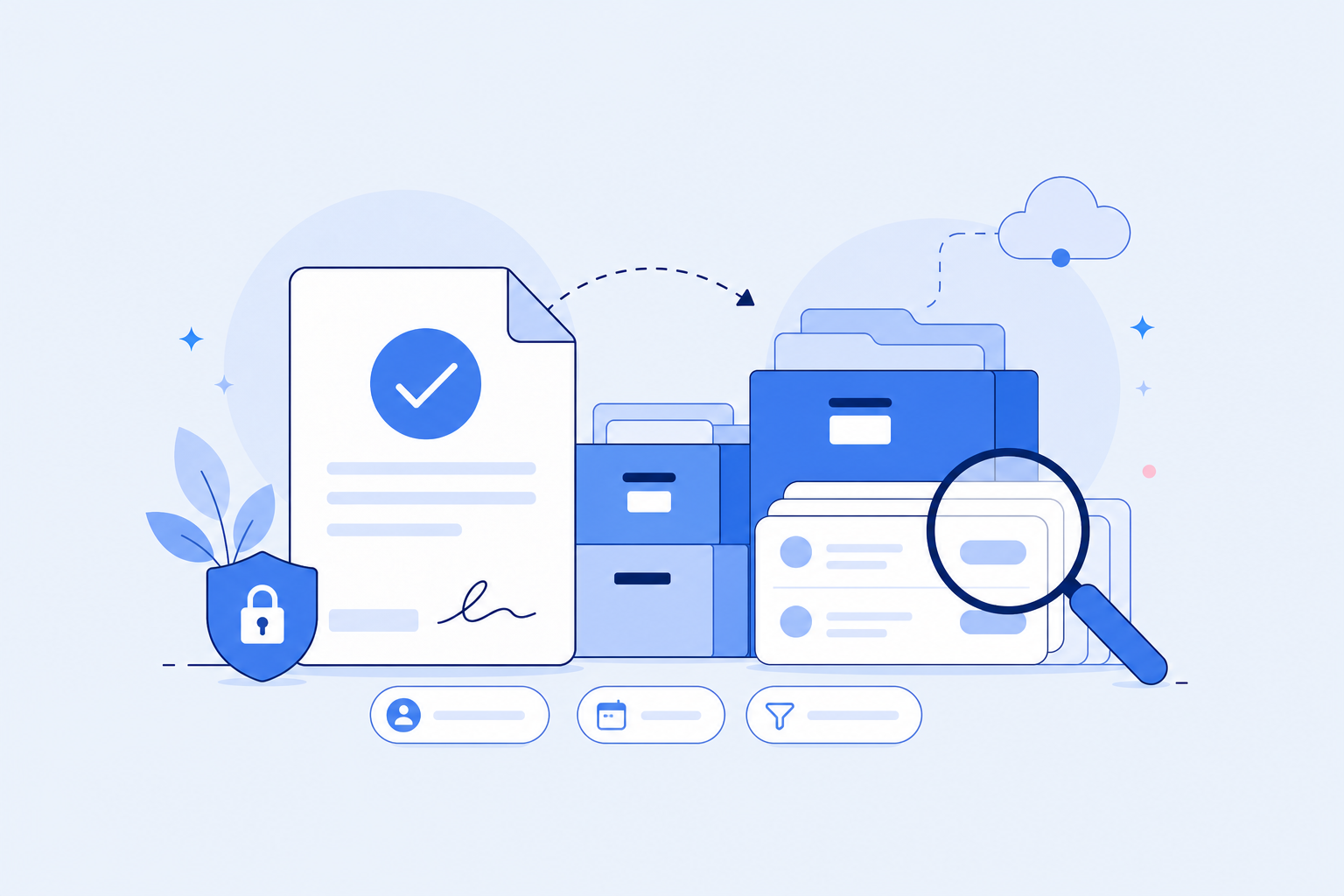
Save completed forms in a searchable account instead of a paper filing process.
Field checklist
Electronic signature fields and acknowledgments
The value of an electronic waiver form is not only the signature. It should also guide customers through the required fields and create a record your staff can retrieve later.
- 1. Signer name, email, phone number, and optional customer ID.
- 2. Activity, appointment, service, or location context.
- 3. Required acknowledgments for important waiver terms.
- 4. Initial fields or checkbox confirmations for key sections.
- 5. Electronic signature field and signed date.
- 6. Guardian signature fields for minor participants when needed.
- 7. Internal notes, staff tags, or location labels for retrieval.
- 8. Searchable storage for completed electronic waiver forms.
Workflow
Publish electronic waiver forms anywhere customers sign

Before appointments
Send a waiver link so customers can sign before they arrive.

At check-in
Use a front-desk QR code or iPad kiosk for on-site signing.
After completion
Keep the signed waiver available for search, review, and download.


Comparison
Electronic waiver form vs online waiver form
These terms are closely related, but they do not always point to the same user need. This page focuses on the signable form and the signature record.
FAQ