Software for signature workflows
Waiver Signing Software
Collect waiver signatures online and manage signed records after submission.
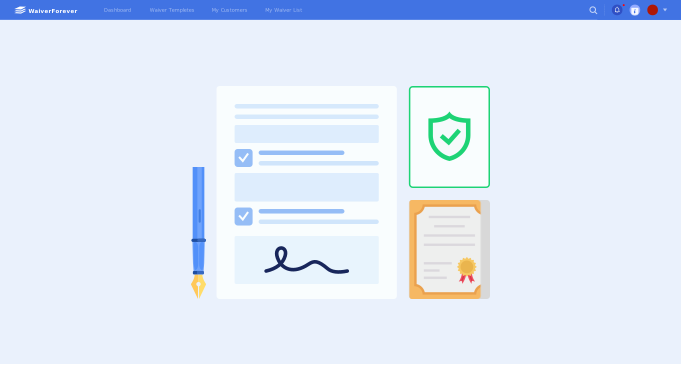
Signature system
What should waiver signing software do?
Waiver signing software should make the signature moment simple for customers and dependable for staff. It combines form fields, acknowledgments, electronic signatures, and signed record storage.
- 1. Form fields for customer information and activity context.
- 2. Required acknowledgments before signing.
- 3. Electronic signature and signed date.
- 4. Link, QR code, and kiosk signing options.
- 5. Reusable forms for recurring waiver workflows.
- 6. Signed waiver storage after submission.
- 7. Search tools for customer, date, form, or location.
- 8. Staff access for teams that manage waiver records.
Use cases
When signing software matters
Businesses need signing software when collecting a signature is only one part of the waiver process.
High-volume signing
Collect signatures without slowing down check-in.
Required fields
Reduce incomplete waivers before customers submit forms.
Team workflows
Let staff find signed records after customers leave.
Existing PDFs
Convert approved waiver PDFs into signable online forms.
Comparison
Waiver signing software vs online waiver software
Both terms can describe WaiverForever, but the search intent is slightly different.
Workflow
Waiver signing software workflow
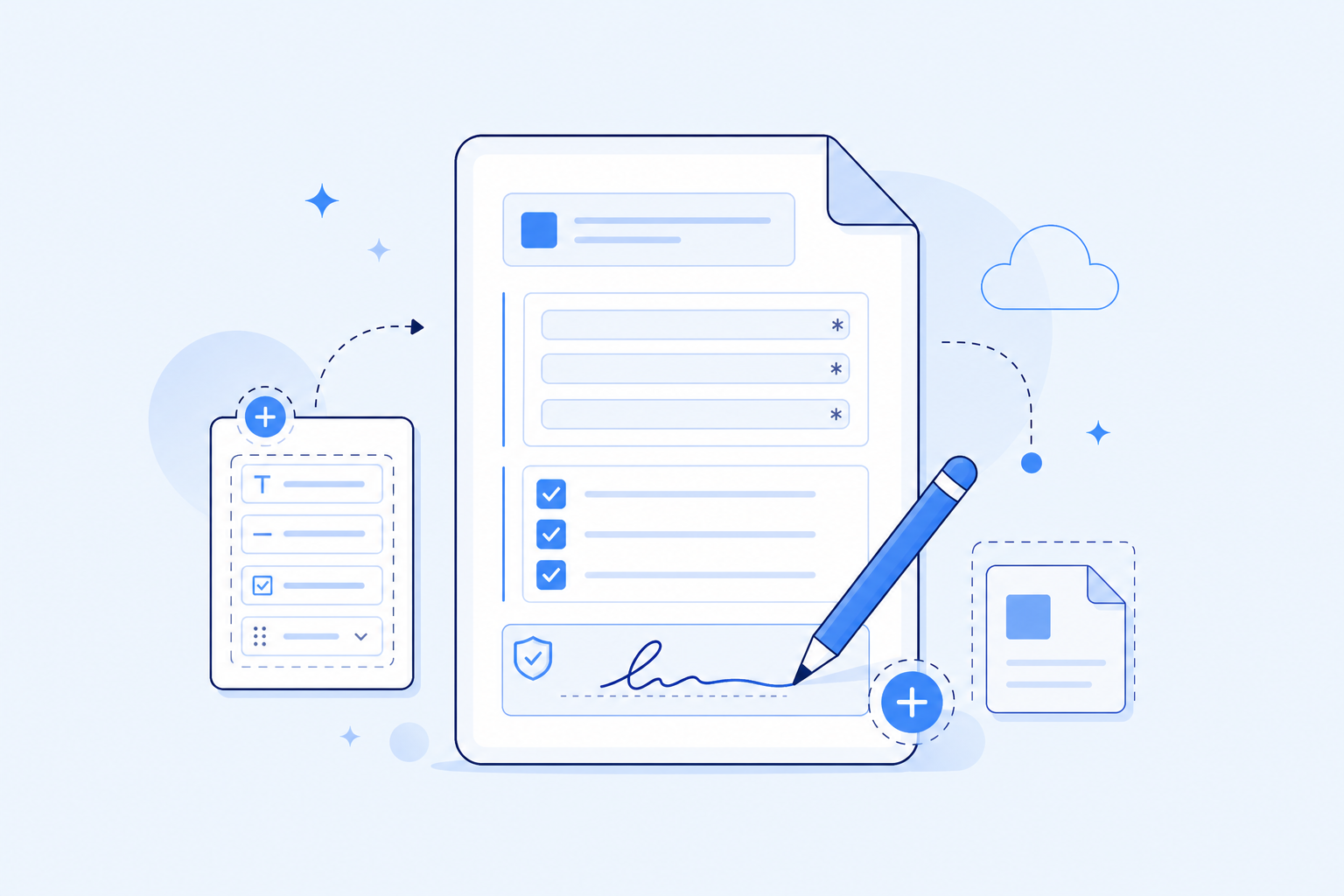
Prepare the form
Add fields, acknowledgments, and signature.

Choose signing access
Share by link, QR code, or kiosk.
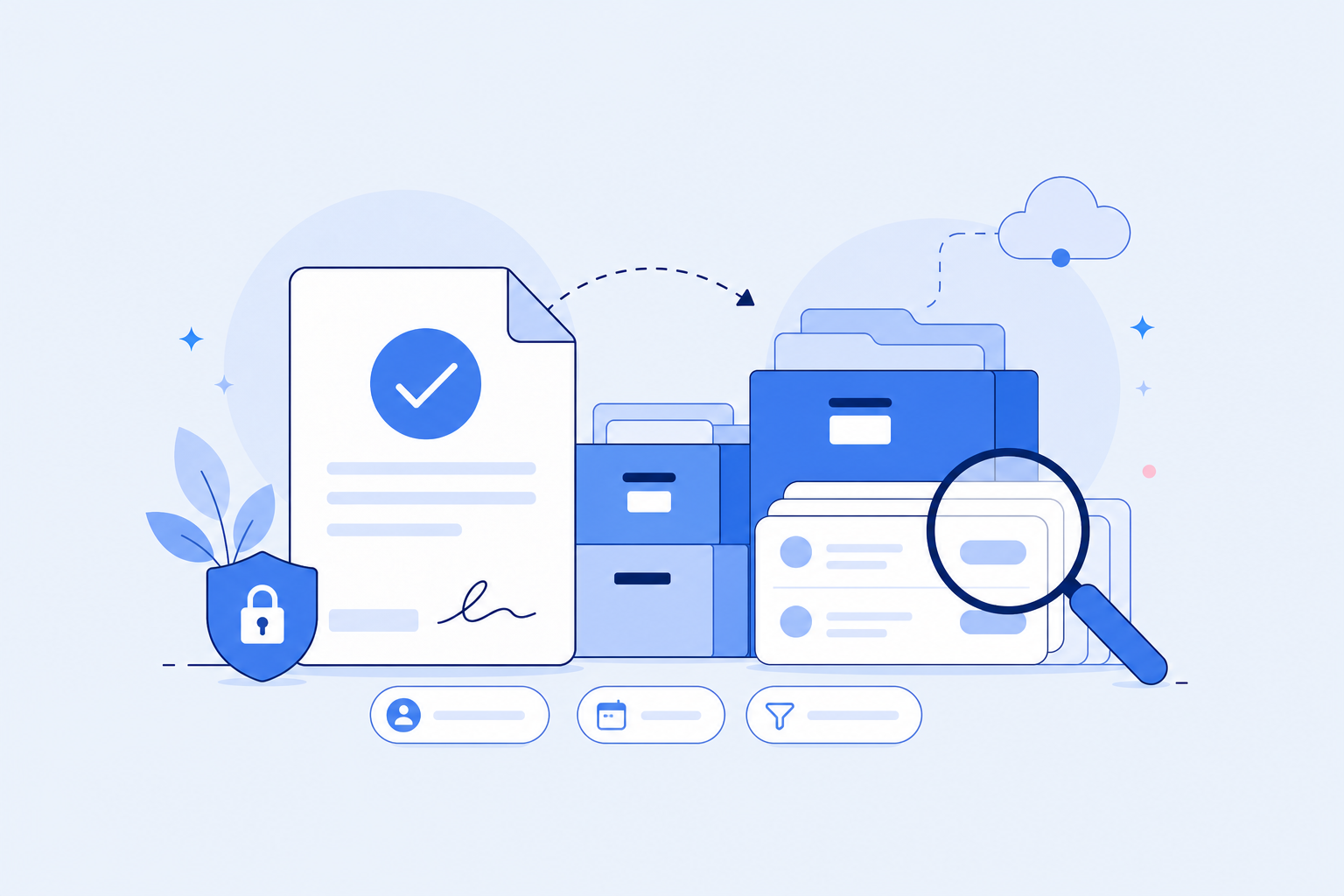
Manage signed waivers
Search and retrieve completed records later.


FAQ