App workflow for signatures
Waiver Signing App
Collect waiver signatures on phones, tablets, and check-in devices.
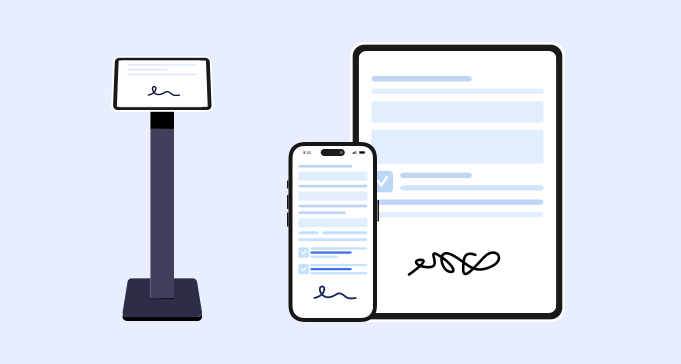
Signature capture
What is a waiver signing app?
A waiver signing app workflow helps customers complete waiver forms and add signatures on a device. It is useful for front desks, appointments, group activities, and mobile signing situations.
- 1. Mobile-friendly forms for customer devices.
- 2. Tablet signing for front-desk check-in.
- 3. QR code access for walk-in customers.
- 4. Required fields before signature submission.
- 5. Electronic signature and signed date.
- 6. Consent checkboxes and acknowledgment fields.
- 7. Signed record storage after completion.
- 8. Staff search for completed waivers.
Use cases
Where a waiver signing app fits
This keyword is strongest when the customer wants a practical way to collect signatures on devices.
Front desk devices
Use a tablet for customers who need to sign in person.
See kiosk workflowsCustomer phones
Let customers scan a QR code and sign on their own device.
Explore QR waiversPre-visit signing
Send a link before an appointment or session.
Build online formsStaff records
Keep signed waivers searchable after submission.
See signing softwareComparison
Waiver signing app vs waiver app
Both terms are close, but signing app is more focused on signature collection.
Workflow
Collect signatures with a waiver signing app workflow

Open the waiver
Use a link, QR code, or tablet device.
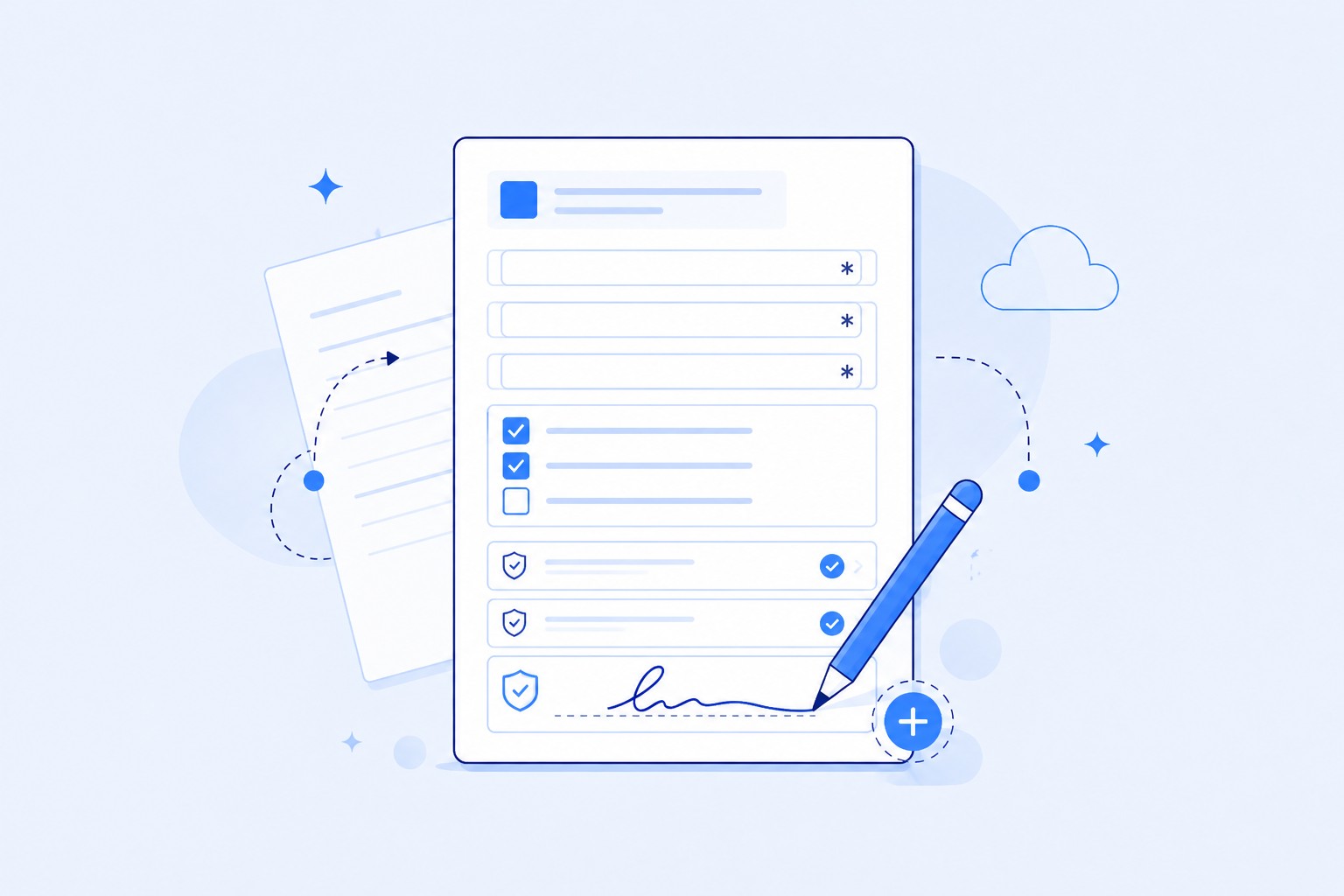
Complete and sign
Customers fill required fields and add a signature.
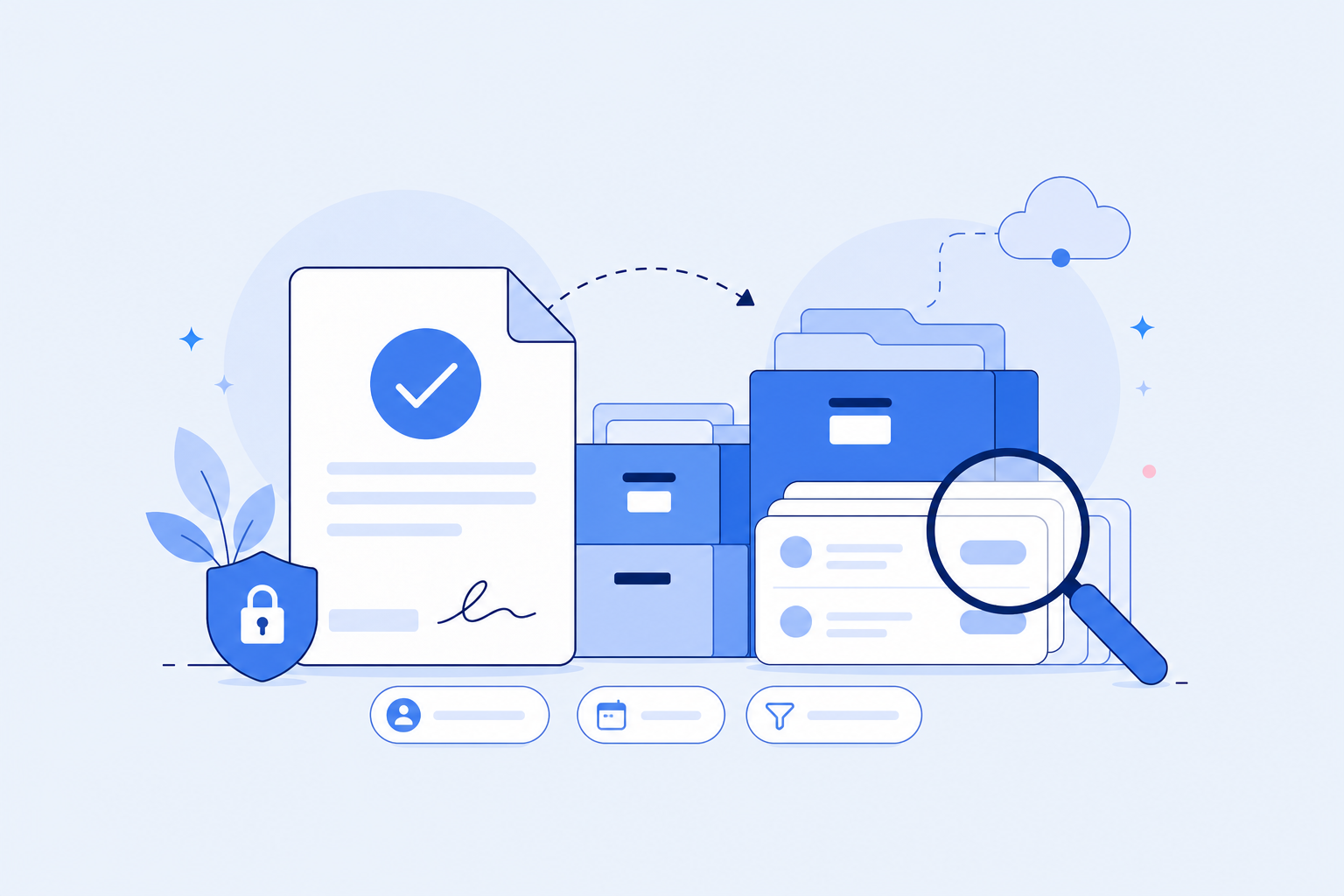
Find records later
Staff can search signed waivers in WaiverForever.


FAQ