Mobile and tablet waiver signing
Waiver App
Collect waivers on customer phones, tablets, and front-desk devices.
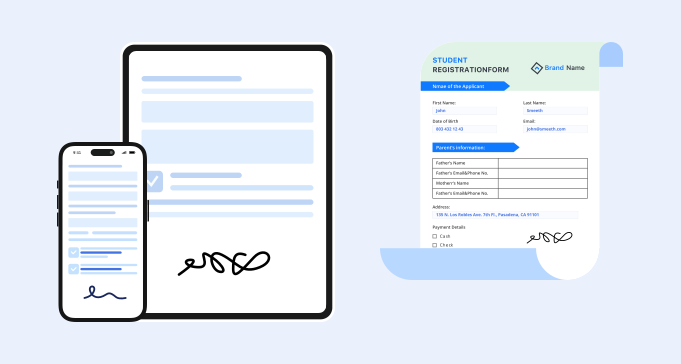
App workflow
What should a waiver app do?
A waiver app should make signing easy for customers and record lookup easy for staff. For service businesses, the app workflow usually includes form access, required fields, signature capture, and signed waiver storage.
- 1. Mobile-friendly waiver forms customers can open quickly.
- 2. Tablet and iPad check-in workflows for front-desk signing.
- 3. QR code access for walk-in customers.
- 4. Required fields for customer details and acknowledgments.
- 5. Electronic signature capture and signed date.
- 6. Searchable storage for completed waiver records.
- 7. Reusable forms for recurring services and events.
- 8. Team access for staff who need to find signed waivers.
Use cases
Where a waiver app helps
A waiver app is useful when the signing moment happens away from a desktop computer.
Phone signing
Customers open the waiver from a link or QR code on their own phone.
Explore QR waiversTablet check-in
Staff can keep a tablet at the counter for on-site signing.
See kiosk workflowsEvent intake
Participants can complete waivers before or during an event.
See online signingRepeat visits
Teams can reuse the same waiver workflow for daily operations.
See waiver softwareComparison
Waiver app vs waiver software
For daily operations, the choice is about who controls the signing device and what staff need after the waiver is submitted.
Workflow
How a waiver app workflow works

Open the waiver
Customers use a link, QR code, or tablet device.
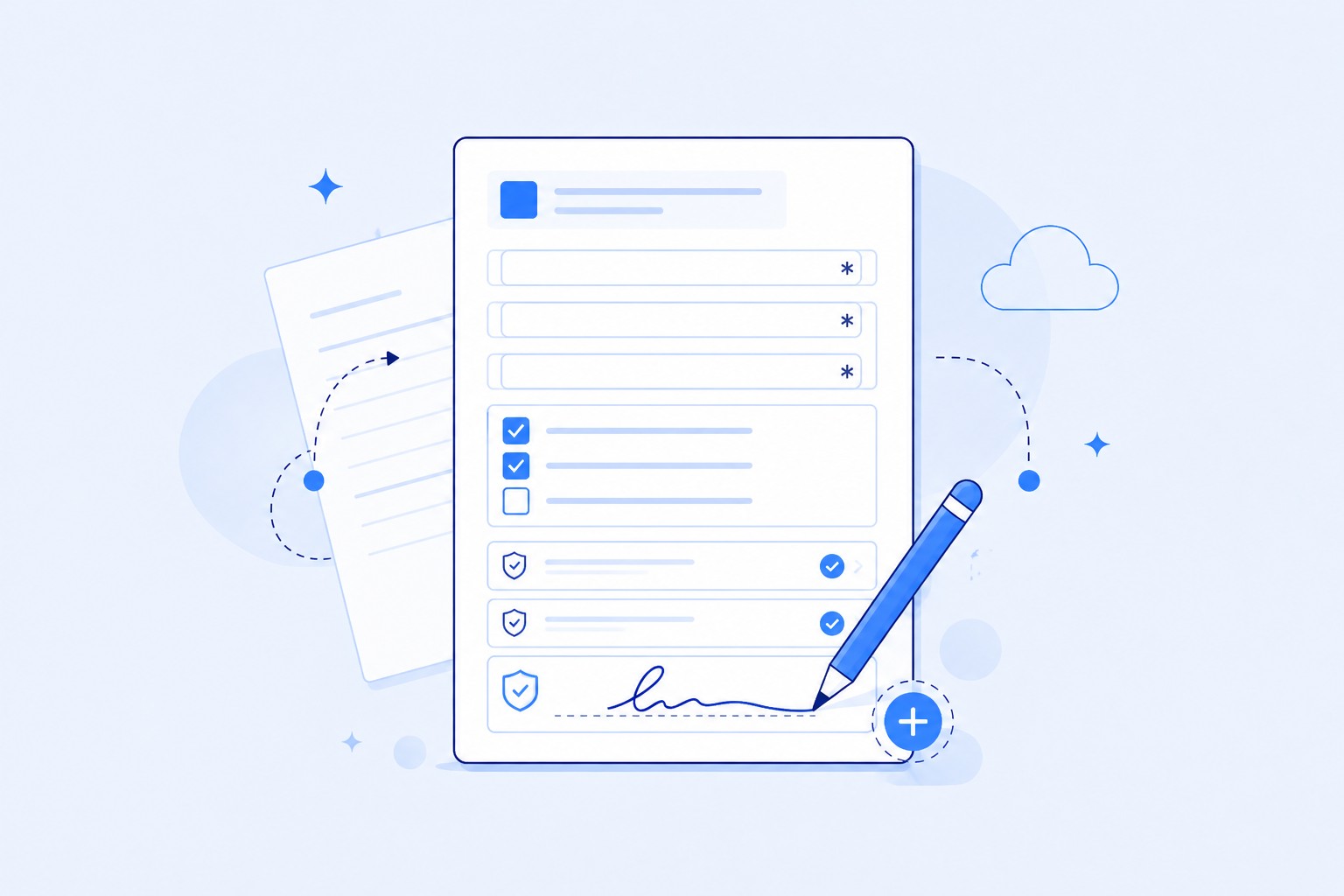
Complete required fields
The form collects customer details, acknowledgments, and signature.
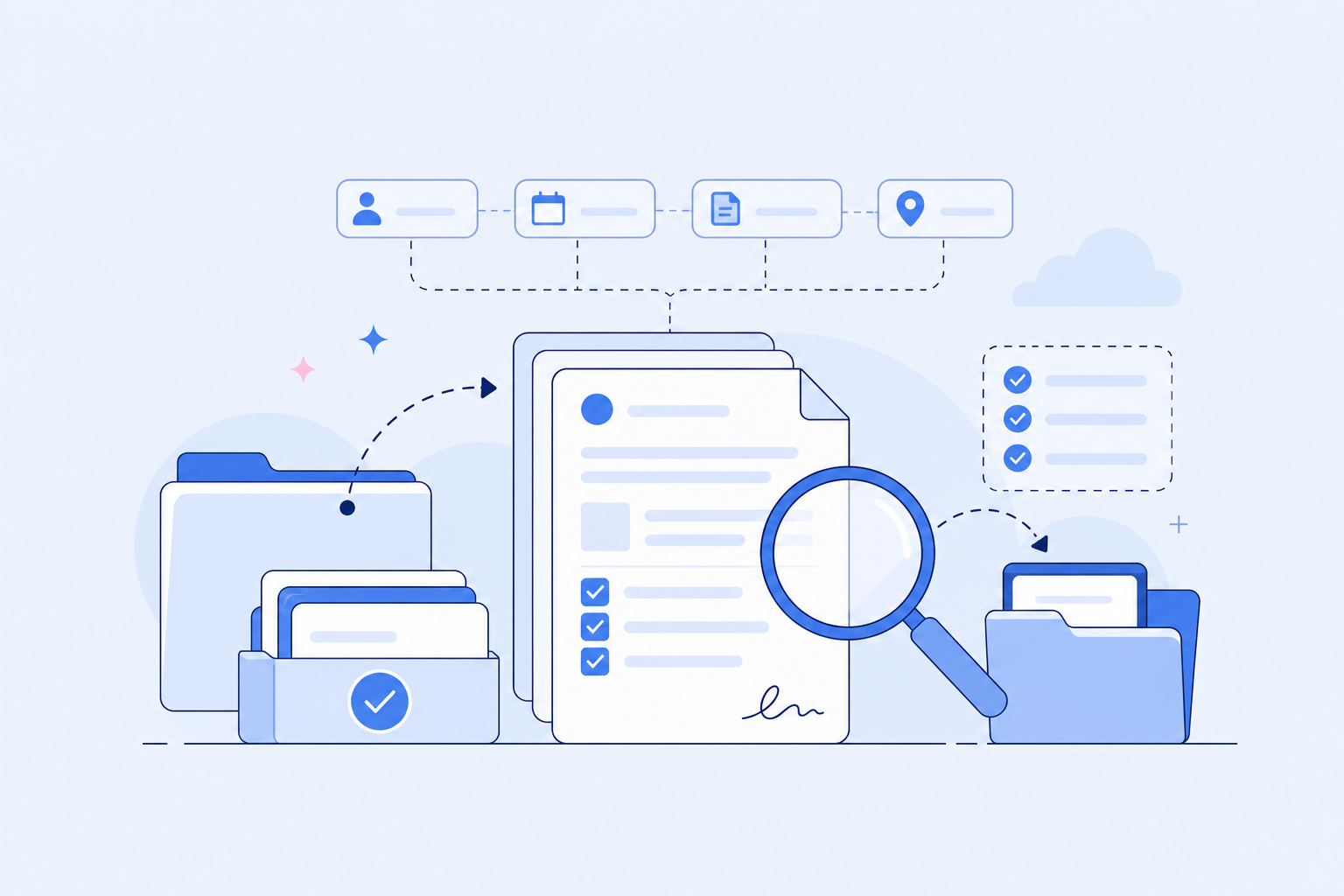
Store signed records
Completed waivers stay searchable for staff.


FAQ