Scan-to-sign waiver workflow
QR Code Waiver
Let customers scan a QR code and sign waivers from their phones.
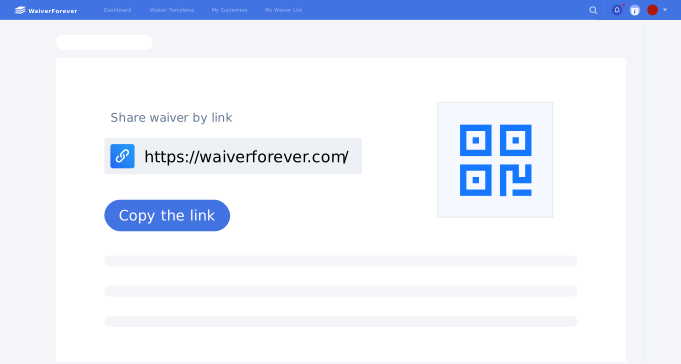
QR signing
What is a QR code waiver?
A QR code waiver is an online waiver form that customers open by scanning a QR code. It is useful for walk-ins, front desks, events, rentals, and any place where customers need quick access from their own phones.
- 1. A mobile-friendly waiver form behind the QR code.
- 2. Clear form title so customers know what they are signing.
- 3. Customer information and activity context fields.
- 4. Required acknowledgments and consent checkboxes.
- 5. Electronic signature and signed date.
- 6. A posted QR code at the right signing location.
- 7. Fallback link or staff device for customers who need help.
- 8. Searchable storage for completed waiver records.
Use cases
Best places to use QR code waivers
QR code waivers work best when customers are physically present or receive printed instructions.
Front desk
Place a QR code near check-in for walk-in signing.
Events
Print a QR code on signs, posters, or registration materials.
Rentals
Let customers sign before using equipment or facilities.
Studios
Use QR codes in waiting areas for consent or intake forms.
Comparison
QR code waiver vs kiosk waiver
Both support on-site signing, but the device ownership is different.
Workflow
How a QR code waiver workflow works

Create the online waiver form
Add required fields, acknowledgments, and signature.

Display the QR code
Place it where customers naturally check in.

Store submitted waivers
Keep signed records searchable after completion.


FAQ