Customer signing workflow
Online Waiver Signing
Let customers review, complete, and sign waiver forms online.
Signing process
How online waiver signing works
Online waiver signing lets customers complete a waiver form and add an electronic signature from a device. Businesses can use links, QR codes, and kiosks to make signing available before or during a visit.
- 1. A mobile-friendly form customers can read and complete.
- 2. Required fields for customer details and service context.
- 3. Clear acknowledgment and consent sections.
- 4. Electronic signature and signed date.
- 5. Link sharing for pre-visit signing.
- 6. QR code sharing for walk-in customers.
- 7. Kiosk or tablet signing for on-site completion.
- 8. Searchable storage after the waiver is submitted.
Use cases
Online waiver signing situations
A good signing workflow meets the customer where they are.
Before arrival
Send a link so customers sign before an appointment.
At check-in
Use QR codes or tablets to reduce paper handling.
During events
Share one waiver with participants before a class or activity.
After signing
Keep the record searchable for staff.
Comparison
Online waiver signing vs waiver signing software
Signing is the customer action. Software is the system that manages it.
Workflow
Three steps to collect waiver signatures online
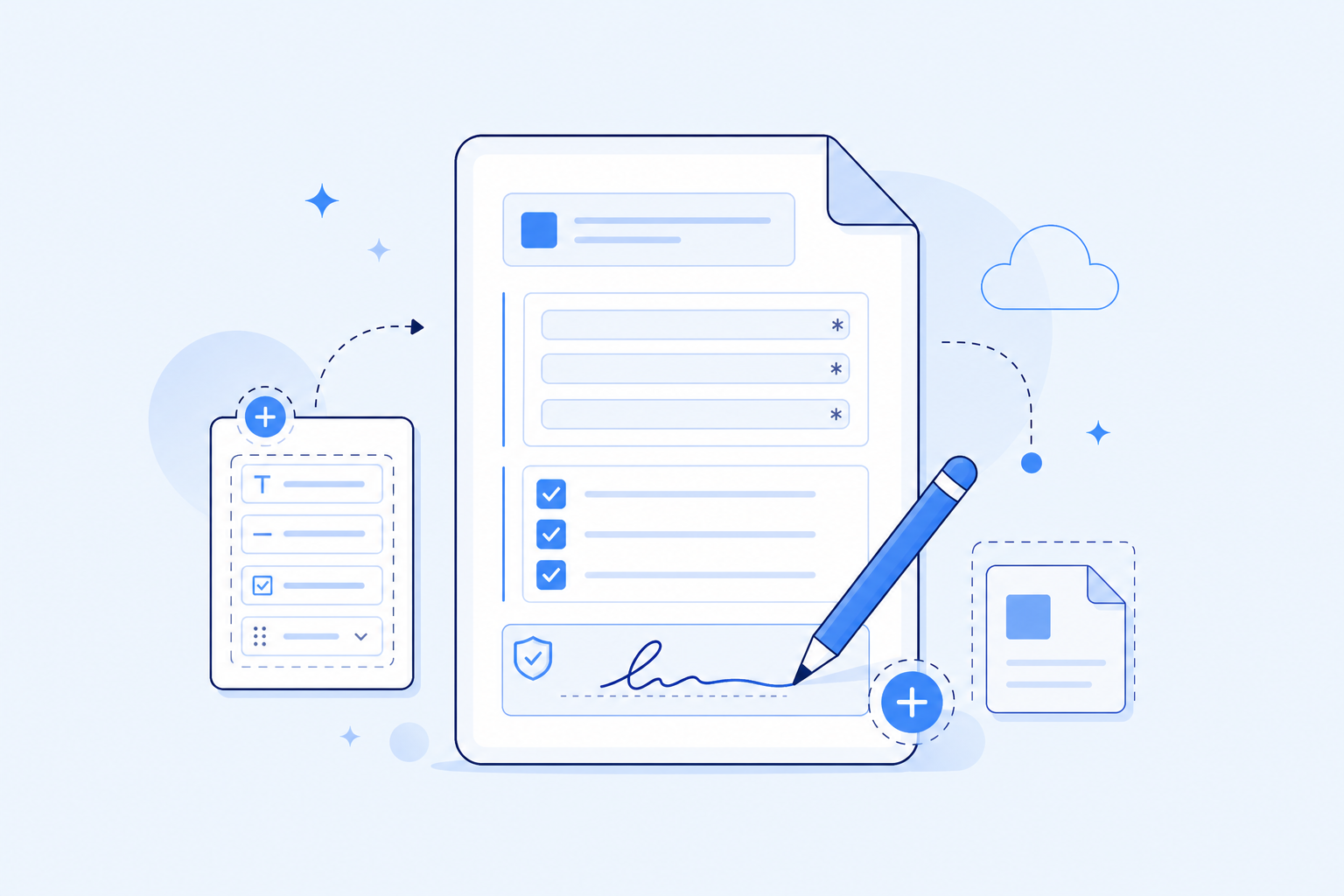
Create the signable form
Add required fields, acknowledgments, and signature.
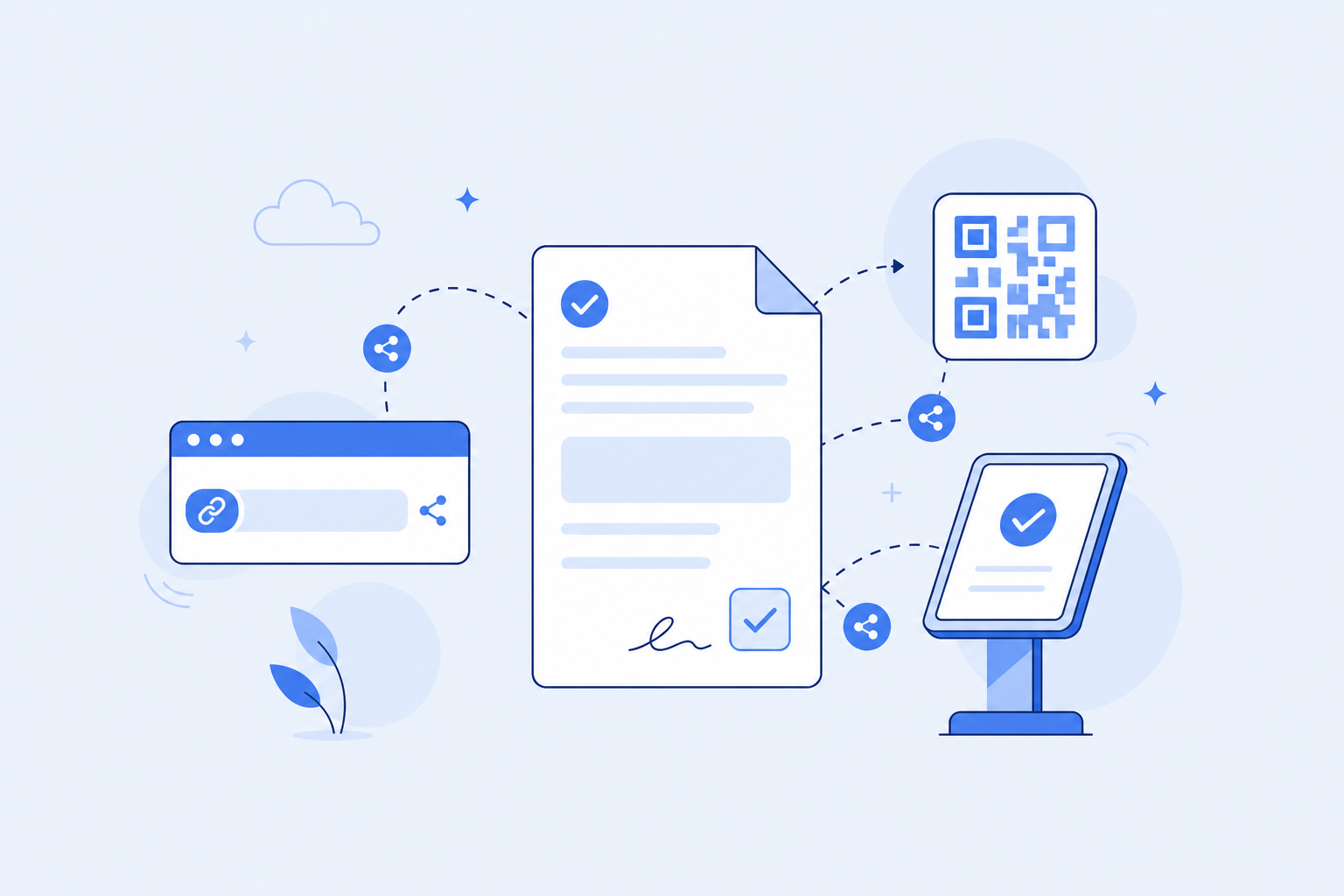
Share it with customers
Use a link, QR code, or kiosk.
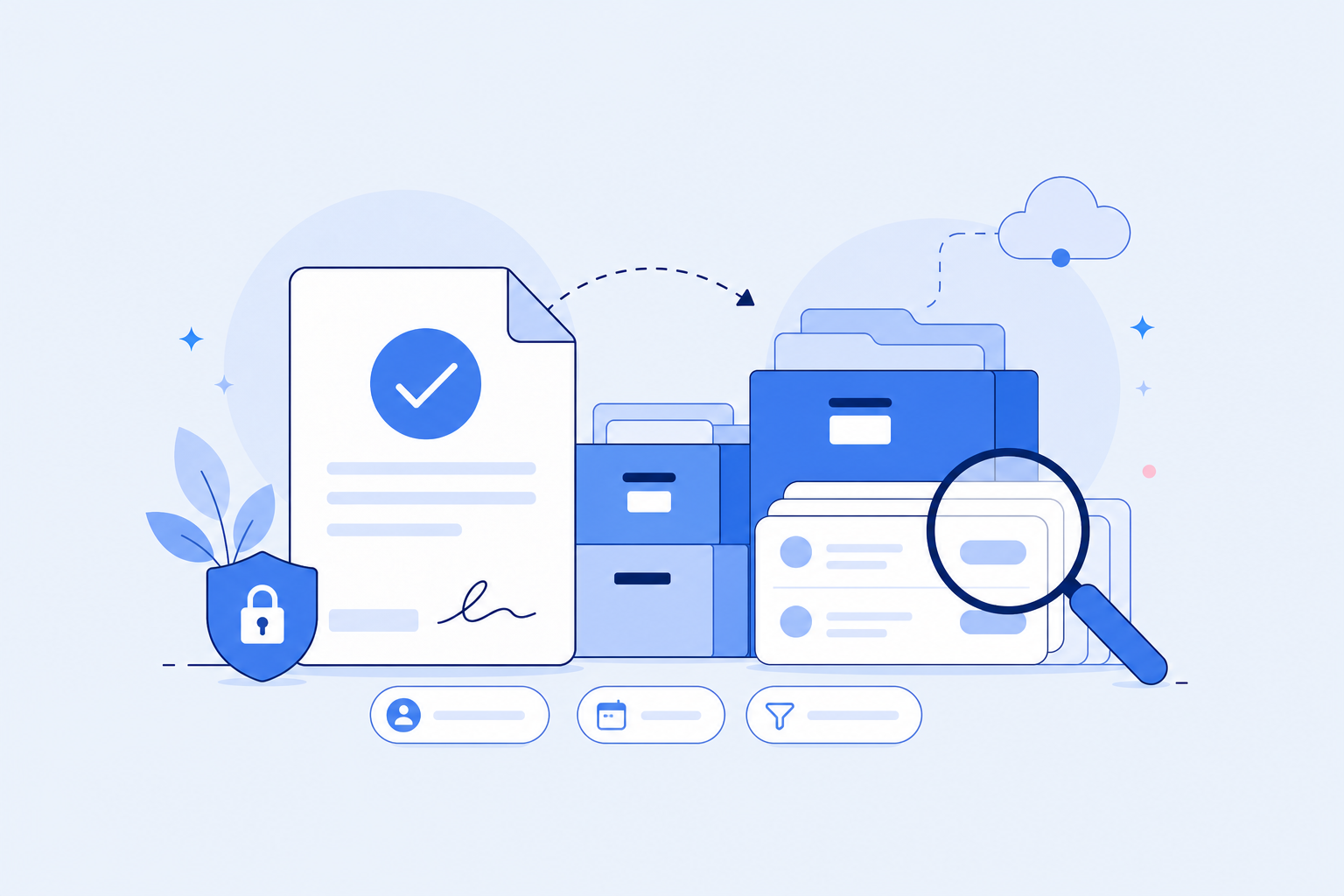
Store the signed waiver
Search the record later by customer, date, or form.


FAQ