Front-desk signing station
Kiosk Workflow for Waiver Signing
Use a tablet or check-in station for on-site waiver signing.
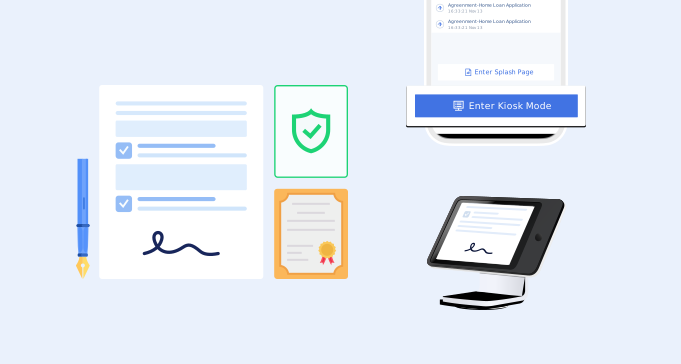
Kiosk setup
What is a waiver kiosk workflow?
A kiosk workflow lets customers complete and sign waiver forms on a business-owned device, usually at the front desk or check-in area. It works well when customers arrive without signing in advance.
- 1. A tablet or check-in device placed where customers arrive.
- 2. A clear waiver form for the service, class, rental, or event.
- 3. Required fields before customers can submit.
- 4. Electronic signature and signed date.
- 5. A reset or completion flow for the next customer.
- 6. Staff visibility when a customer needs help.
- 7. Searchable signed record storage.
- 8. A QR code or link fallback for busy check-in periods.
Use cases
Where kiosk workflows help
Kiosk workflows are strongest when staff need a predictable on-site signing process.
Front desk check-in
Let customers sign when they arrive for an appointment or class.
Walk-in traffic
Support customers who did not sign before arrival.
Shared devices
Use a controlled tablet instead of asking customers to use their phones.
High-volume intake
Keep waiver signing consistent during busy periods.
Comparison
Kiosk workflow vs QR code waiver
Both can work together, but they solve different check-in problems.
Workflow
A simple kiosk workflow

Open the waiver on the kiosk
Keep the correct form ready for customers.

Customer signs on site
The form collects required fields and signature.

Staff finds records later
Completed waivers are stored for search and review.


FAQ