Digital kiosk for waiver check-in
Digital Waiver Kiosk
Collect on-site waiver signatures through a tablet or digital kiosk.
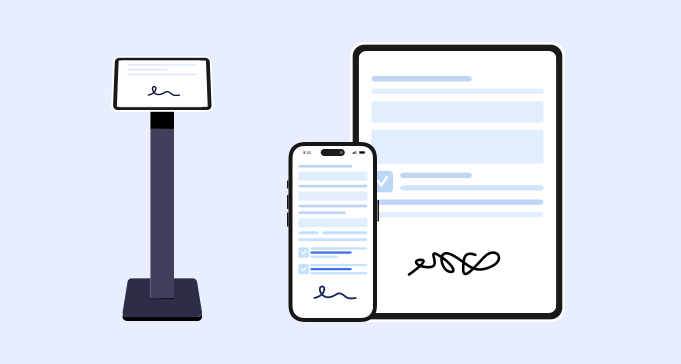
Kiosk signing
What is a digital waiver kiosk?
A digital waiver kiosk is a tablet or check-in station customers use to complete and sign waiver forms on site. It helps replace clipboards and paper forms at the front desk.
- 1. A dedicated tablet or check-in device.
- 2. A waiver form matched to the service or activity.
- 3. Required fields for customer details and acknowledgments.
- 4. Electronic signature field and signed date.
- 5. Clear completion state before the next customer signs.
- 6. Staff process for helping customers when needed.
- 7. Searchable signed waiver storage.
- 8. QR code backup for customers who prefer their own phones.
Use cases
Digital waiver kiosk use cases
A kiosk works best for businesses with repeated on-site check-in.
Fitness studios
Collect waivers before classes, training, or wellness sessions.
Tattoo and beauty
Use kiosk signing for consent and acknowledgment forms.
Recreation providers
Collect waivers before tours, rentals, camps, or activities.
Event check-in
Let participants sign at a registration table or entrance.
Comparison
Digital waiver kiosk vs waiver signing app
The kiosk is the location and device. The signing app workflow is the customer action that happens on the device.
Workflow
How a digital waiver kiosk works

Prepare the kiosk form
Select the waiver customers need to sign on site.

Customer completes and signs
The kiosk collects required fields and signature.

Record is stored
Staff can search the signed waiver later.


FAQ