Online app for waiver signing
Online Waiver App
Share waiver forms online and collect signatures from any device.
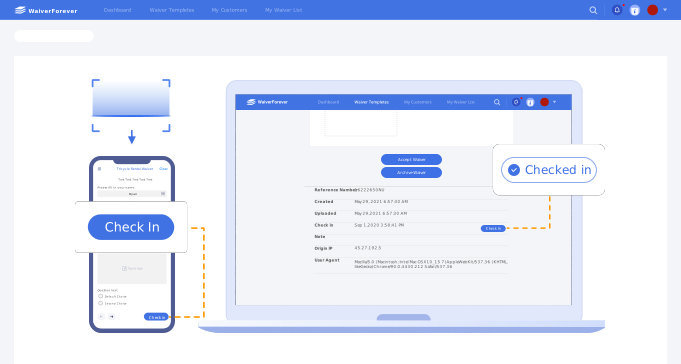
Online access
What is an online waiver app?
An online waiver app gives customers a web-based way to open, complete, and sign waiver forms. It is useful when you want device flexibility without returning to printed forms.
- 1. Web-based waiver forms that work on phone, tablet, and desktop.
- 2. Shareable links for pre-visit signing.
- 3. QR codes for walk-in and front-desk signing.
- 4. Kiosk or tablet mode for on-site completion.
- 5. Required fields for acknowledgments and customer details.
- 6. Electronic signature capture.
- 7. Searchable record storage after submission.
- 8. Reusable forms for recurring services and locations.
Use cases
Online waiver app use cases
The strongest use cases combine online access with operational record management.
Before appointments
Send waiver links with appointment reminders or intake instructions.
At the front desk
Use QR codes or tablets for walk-in customers.
For group events
Share one online form with a class, tour, rental, or activity group.
For staff lookup
Keep submitted waivers organized and searchable after signing.
Comparison
Online waiver app vs waiver app
Both terms overlap, but online waiver app usually emphasizes browser access and sharing.
Workflow
Set up online waiver signing

Create the online form
Build the waiver from a template, generator, or PDF.

Share access
Use a link, QR code, or tablet kiosk.

Manage submissions
Search signed waivers by customer, date, form, or location.


FAQ